


ฉันจะย้ายเนื้อหา Notion ทั้งหมดของฉันไปยังพื้นที่ทำงานอื่นได้อย่างไร
ฉันจะย้ายเนื้อหา Notion ทั้งหมดของฉันไปยังพื้นที่ทำงานอื่นได้อย่างไร
หมายเหตุ: เนื้อหาที่ย้ายไปจะถูกทำซ้ำไปยังพื้นที่ทำงานใหม่ และหน้าเหล่านี้อาจมีปัญหาในบางครั้ง สำหรับข้อมูลเพิ่มเติม คลิกที่นี่
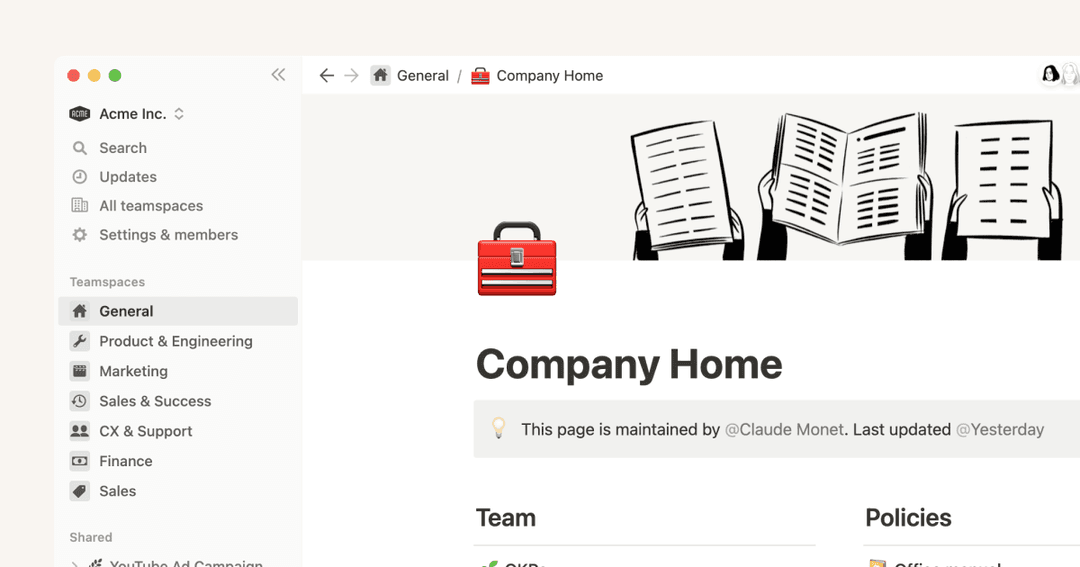
หากต้องการย้ายเนื้อหาของคุณจากพื้นที่ทำงานหนึ่งไปยังอีกพื้นที่ทำงานหนึ่งที่เชื่อมโยงกับบัญชีเดียวกัน ให้คลิก ••• ถัดจากหน้าระดับบนสุดแต่ละหน้าในแถบด้านข้างของคุณ (หรือคลิกขวา) แล้วเลือก ย้ายไปที่ ที่ด้านล่างของเมนูย้าย คุณจะเห็นเมนูแบบเลื่อนลงเพื่อเลือกพื้นที่ทำงานอื่น
เมื่อคุณย้ายหน้าระดับบนสุด หน้าย่อยทั้งหมดของหน้านั้นจะถูกย้ายไปด้วย หน้าเหล่านั้นจะปรากฏในส่วน ส่วนตัว แต่สามารถย้ายไปยังที่ที่คุณต้องการได้
ฉันคลิกปุ่ม 'เข้าร่วม' หรือ 'สร้างพื้นที่ทำงาน' แต่ระบบให้ฉันสร้างพื้นที่ทำงานได้เท่านั้น ฉันจะเข้าร่วมพื้นที่ทำงานได้อย่างไร?
ฉันคลิกปุ่ม 'เข้าร่วม' หรือ 'สร้างพื้นที่ทำงาน' แต่ระบบให้ฉันสร้างพื้นที่ทำงานได้เท่านั้น ฉันจะเข้าร่วมพื้นที่ทำงานได้อย่างไร?
คุณจะเข้าร่วมพื้นที่ทำงานผ่านปุ่ม เข้าร่วมหรือสร้างพื้นที่ทำงานได้ก็ต่อเมื่อพื้นที่ทำงานนั้นเปิดใช้งาน การตั้งค่าโดเมนอีเมลที่ได้รับอนุญาต เพื่อให้ผู้ใช้ที่มีโดเมนอีเมลเดียวกับคุณเข้าร่วมพื้นที่ทำงานได้โดยอัตโนมัติ
มิฉะนั้น คุณจะต้องขอให้ผู้ดูแลจากพื้นที่ทำงานส่งคำเชิญให้คุณ
When I subscribe to a paid plan, does it cover all of my workspaces?
When I subscribe to a paid plan, does it cover all of my workspaces?
Paid plans only apply to one workspace and don't cover the whole account. Workspaces are completely separate silos, so you won't be able to link any content between them.
We recommend using the least number of workspaces possible, and taking advantage of top-level pages in your sidebar to stay organized.
How can I switch between workspaces that are under different email addresses?
How can I switch between workspaces that are under different email addresses?
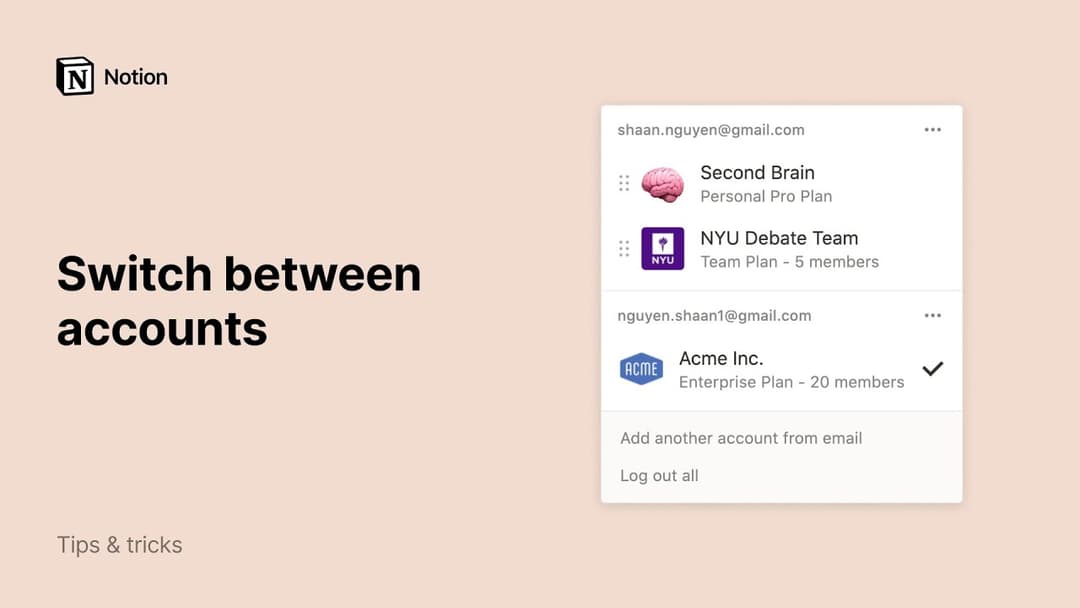
To add your workspaces from another email account, use the Add another account button in the workspace switcher at the top left of your Notion window, and follow the steps to login to your other account.
Is there a limit to the number of accounts I can be signed into?
Is there a limit to the number of accounts I can be signed into?
There is currently no limit, although you may experience slower performance if you're logged into 10+ accounts at once.
I forgot to log out of my account on a public computer, or my device was stolen.
I forgot to log out of my account on a public computer, or my device was stolen.
If you're still logged in on a device you have access to, navigate to Settings → {your name} → Log out of all devices.
If you no longer have access to your account, please send us a quick message to [email protected], or use the Notion AI face at the bottom right of the app. We can log you out remotely!